
Ford SYNC® 4: The Infotainment System Has Finally Learned to Get Out of Your Way
Car infotainment has a difficult assignment. It needs to control an increasingly complicated collection of functions while remaining simple enough that you don't spend 40 seconds staring at a touchscreen to accomplish something that once required one button. Ford's SYNC® 4 system tackles that problem with connected features, available larger displays, wireless smartphone integration, and over-the-air updates. You'll find versions of it across vehicles such as the F-150®, Bronco®, and Explorer® in Belleville. The exact setup varies, but the objective is straightforward: put useful information where the driver can get to it without turning the dashboard into homework.
SYNC® 4 Is More Than a Bigger Screen
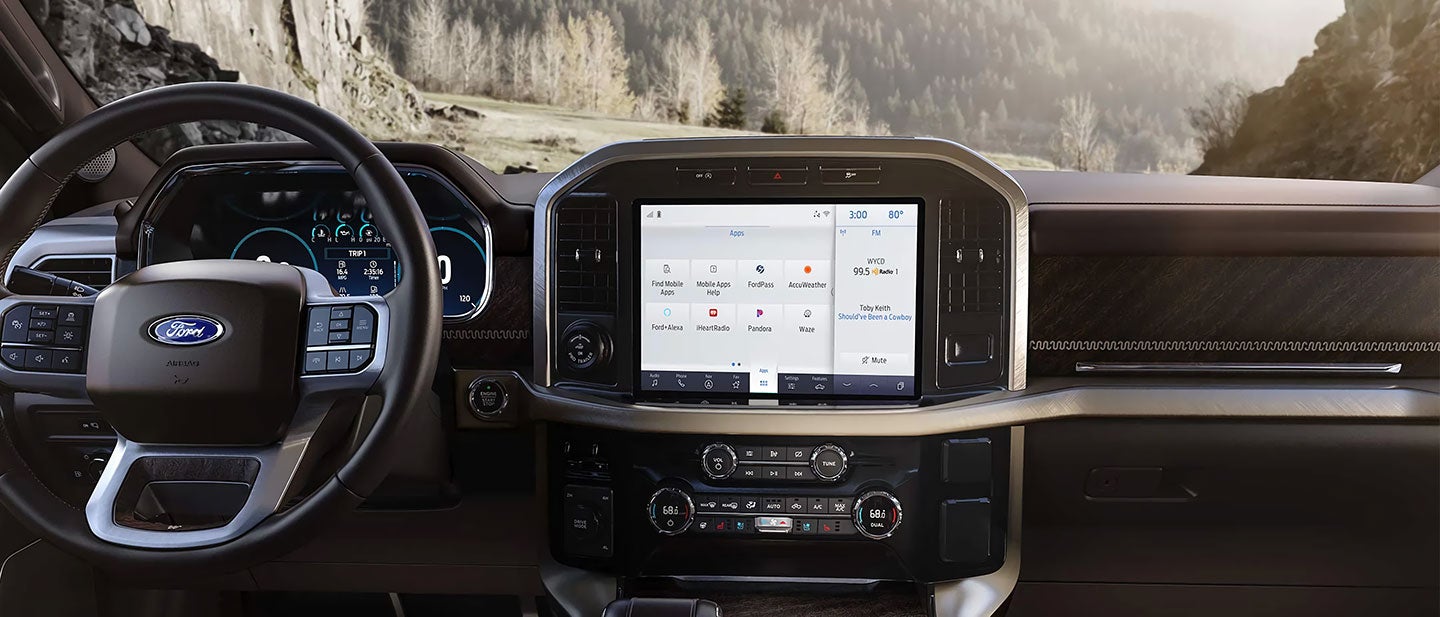
Depending on the Ford and configuration, SYNC® 4 can operate through displays ranging from 8 inches to 15.5 inches. Screen size, though, is probably the least interesting part. The system brings together media, compatible smartphone functions, connected features, vehicle controls, and available navigation. Ford also designed SYNC® 4 to support over-the-air software updates, allowing compatible software to receive updates without requiring the vehicle to visit the dealership for every change. That's a far more meaningful technological improvement than simply bolting another inch of glass onto the dashboard.
Ford Has Been Working on This Since 2007
The original SYNC® arrived with voice-controlled connectivity features, while later generations expanded touchscreen operation and functionality. SYNC® 3 brought a more modern interface and pinch-to-zoom capability on equipped systems. SYNC® 4 builds on that foundation with available connected navigation, enhanced voice recognition, wireless Apple CarPlay® and Android Auto™ compatibility on supported vehicles, and additional connected features. The important evolution isn't that SYNC® 4 does more things. Modern cars inevitably do more things. It's that the system attempts to make those functions easier to reach without requiring the driver to become an unpaid software tester.
Your Phone Can Leave Its Cable Behind
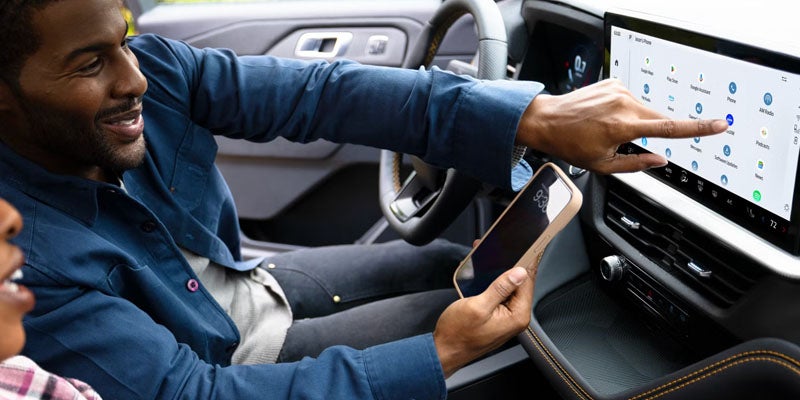
On supported vehicles and compatible phones, wireless Apple CarPlay® and Android Auto™ allow smartphone features to appear through the SYNC® 4 interface without connecting a cable each time you get in. After pairing, compatible navigation, messages, calls, audio, and apps can be accessed through the vehicle's display. Voice control provides another route: press the steering-wheel voice button and supported functions can respond to spoken requests. Availability varies by vehicle and configuration, so shoppers should compare Ford technology features rather than assume every SYNC® 4-equipped model has precisely the same setup.
The Competition Has Screens Too
Nearly every major automaker now offers some combination of connected navigation, voice recognition, smartphone integration, and software updates. So, declaring one infotainment system victorious from a feature checklist isn't especially useful. SYNC® 4's appeal comes from how those capabilities are integrated into individual Ford vehicles. A system in an F-150® may be presented differently from one in another model because the vehicle itself has different requirements. That's good design. Technology should adapt to the machine it's installed in rather than forcing every dashboard into the same enormous-tablet template.
The Best Test Takes About Five Minutes
Infotainment is unusually difficult to judge from specifications because usability is personal. One driver may care most about wireless Apple CarPlay®, another about navigation, voice commands, or how quickly basic functions can be found. When exploring new Ford inventory, sit in the vehicle and use the system. Pair a compatible phone, move through the menus, try the voice controls, and see how quickly the interface becomes understandable. That's considerably more revealing than comparing screen dimensions on a webpage.
Try SYNC® 4 in the Ford You're Considering
Atchinson Ford can help Belleville, MI, shoppers compare Ford models, trims, available SYNC® 4 configurations, and connected technology. Explore the entire Ford lineup, compare available features, discuss financing and trade-in options, and find the vehicle whose technology fits the way you use it. Then spend some time with SYNC® 4 from the driver's seat, because good infotainment should require less explanation the longer you use it. Schedule a test drive online with us to see all the options firsthand.